English
 বাংলা
বাংলা 


AI assistants have moved well beyond simple chatbots. They can now manage complex reasoning and multi-step tasks. They also grasp deep context that once needed human focus. As these systems improve, demand for subscription-grade tools is rising. Users seek dependable performance, expanded context, and tools designed for writers, developers, and teams.
A fast-rising name in this space is Anthropic. They are the company behind the Claude models. Claude stands out for its safe and clear long-form generation. It also has strong reasoning skills. It makes it a solid choice compared to other top assistants for tasks needing nuance and depth.
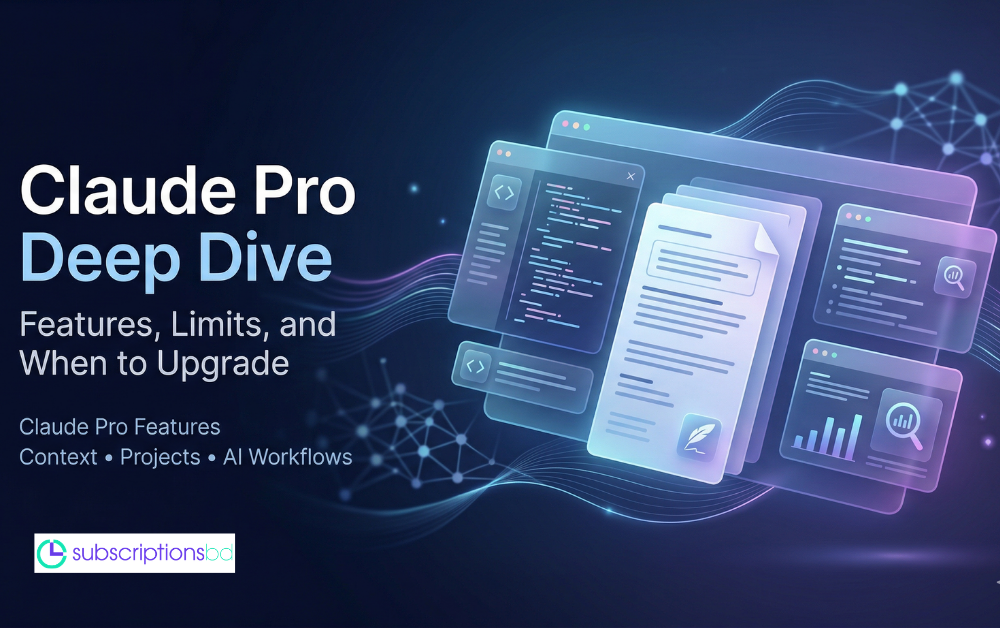
This post covers Claude Pro. It highlights key features and practical limits. It also compares Claude Pro to other leading AI models. You’ll see a clear, step-by-step overview of what Claude Pro offers. You’ll learn when it is worth upgrading and what to expect in real-world workflows.
What Is Claude Pro?
Claude Pro is the premium subscription tier of Anthropic’s Claude AI Pro assistant. It's for users who need higher limits and faster responses. It also includes features for long, complex workflows. Typical users are professional writers, developers, researchers, and small teams. They depend on the model for long documents, multi-step reasoning, and regular interactions.
The Technology
Claude Pro uses Anthropic’s advanced models. It gives access to the company’s top models, which focus on long context windows and strong reasoning. The subscription offers higher throughput and more context capacity than free tiers. This helps the assistant stay coherent during long conversations and documents. The service uses large language model inference and optimizes infrastructure. This mix reduces latency and improves reliability, especially under heavy workloads.
The Philosophy
Anthropic Claude Pro around a safety-first approach, often described as Constitutional AI. This philosophy focuses on predictable and controllable behavior. It also aims to reduce harmful outputs and lower hallucination rates. Claude Pro aims to provide users with more reliable, nuanced responses. It also includes guardrails to ensure safety in professional and sensitive situations.
Key Claude Pro Features
Claude Pro offers a stronger and more flexible AI experience. Users get access to advanced models, broader context, unique workspaces, and robust document analysis tools. It's made for creators, researchers, developers, and teams. They need clearer reasoning. They also want faster workflows and better ways to manage complex information at scale.
Model Access & Control: Select a Claude model based on the complexity of your task. Use Opus for deep reasoning and analysis, or choose Sonnet for quicker, lighter tasks.
Claude Pro Projects: Build organized workspaces. Use persistent instructions, custom knowledge bases, and saved context. helps Claude keep a long-term understanding of tasks.
Massive Context Window: Use Claude’s larger context window. It can manage hundreds of thousands of words in a single session. That’s like handling hundreds of pages without losing track.
Advanced Document Analysis
Upload many PDFs, spreadsheets, code files, or datasets
Claude can read, summarize, compare, and synthesize them all at once
Multi-File Reasoning: Let Claude cross-reference documents. It can pull insights and make structured outputs. These include reports, summaries, and technical breakdowns
Seamless Workflow Integration: Use Claude Pro for writing, research, coding, brainstorming, and creating content. Enjoy faster responses and greater reliability
Claude Free vs. Pro: Understanding the Limits
Claude Free offers a free way to access the assistant's core features. Claude Pro removes many limits. allows for longer, deeper, and more reliable workflows. The following overview and lists highlight how each tier feels in daily use. They're concise, clear, and eye-catching.
Free
Core access: Use Claude’s main features for casual chats, quick drafts, and simple research
Limited daily messages: A small message limit makes casual use easy. However, it can restrict longer chats.
Standard context window: It manages short chats and multiple pages of content. Then, it cuts off context.
Output: No priority during peaks. Access may be limited when traffic spikes, so new chats might be delayed
Basic file support: You can upload files and analyze one at a time. However, you can't process multiple files at once
Great for beginners: It's ideal for testing, light tasks, and occasional support. Plus, you don’t need a subscription!
Pro
Expanded message quota: You can send more messages each day. It helps with longer work sessions and multi-step projects.
Massive context window: This feature helps keep long chats and big documents clear, even across several pages
Fluctuating caps explained: Pro limits are generous. However, they can change based on server demand and the context of each conversation.
Priority access: Pro users keep their service during busy times, while free users might get locked out.
Advanced multi-file analysis: You can upload many PDFs, code files, and data sheets. It allows for parallel reading, synthesis, and cross-referencing.
Designed for productivity: Great for research, coding, long writing, and team workflows. It offers reliability and scalability.
Head-to-Head: Claude Pro vs. ChatGPT Plus
Claude Pro and ChatGPT Plus have different strengths. Claude excels at long-form writing, analyzing deep documents, and reasoning with extensive contexts. ChatGPT Plus shines with multimodal features, quick drafting, and many tool integrations.
Best Use Cases for Claude Pro
Claude Pro provides a strong workflow design. It helps developers read, debug, and refactor large codebases more efficiently. Its larger context window lets you handle multiple files easily. This makes step-by-step debugging smoother than with lighter tools. Researchers and analysts can upload large collections of papers, reports, and datasets, with cross-document synthesis, literature mapping, and structured summarization. Writers and editors gain from its large context capacity. This feature helps keep the narrative voice and flow intact in long drafts and revisions. Teams and product builders can use ongoing project workspaces and custom knowledge bases. This way, instructions, style guides, and domain data are always easy to find. People who handle large datasets can analyze several documents at once. It is common in fields such as legal reviews and financial modeling. They don’t need to re-enter context every time.
Final thought
Claude Pro enhances the free tier with a professional toolset. Users now enjoy larger context windows, higher message limits, and priority access during busy times. They like ongoing project workspaces. They appreciate custom knowledge bases and robust multi-file document analysis. It enables longer, more reliable workflows. You don't need to refeed context over and over. As Anthropic improves its models, AI tools will focus on bigger context, safer reasoning, and better teamwork. This shift will make high-context AI essential for research, engineering, and creativity. Instead of providing single answers, these tools will enhance ongoing, context-aware collaboration.